Funds
See what your gifts are raising money for, and how each fund is doing.
A fund is what a gift is for: Clean Water Wells, Emergency Relief, Where Most Needed. Funds are what donors choose on your forms, and how you answer "what did we raise for this?"
Before you start: you need permission to view funds. Editing one needs permission to edit them.
The list
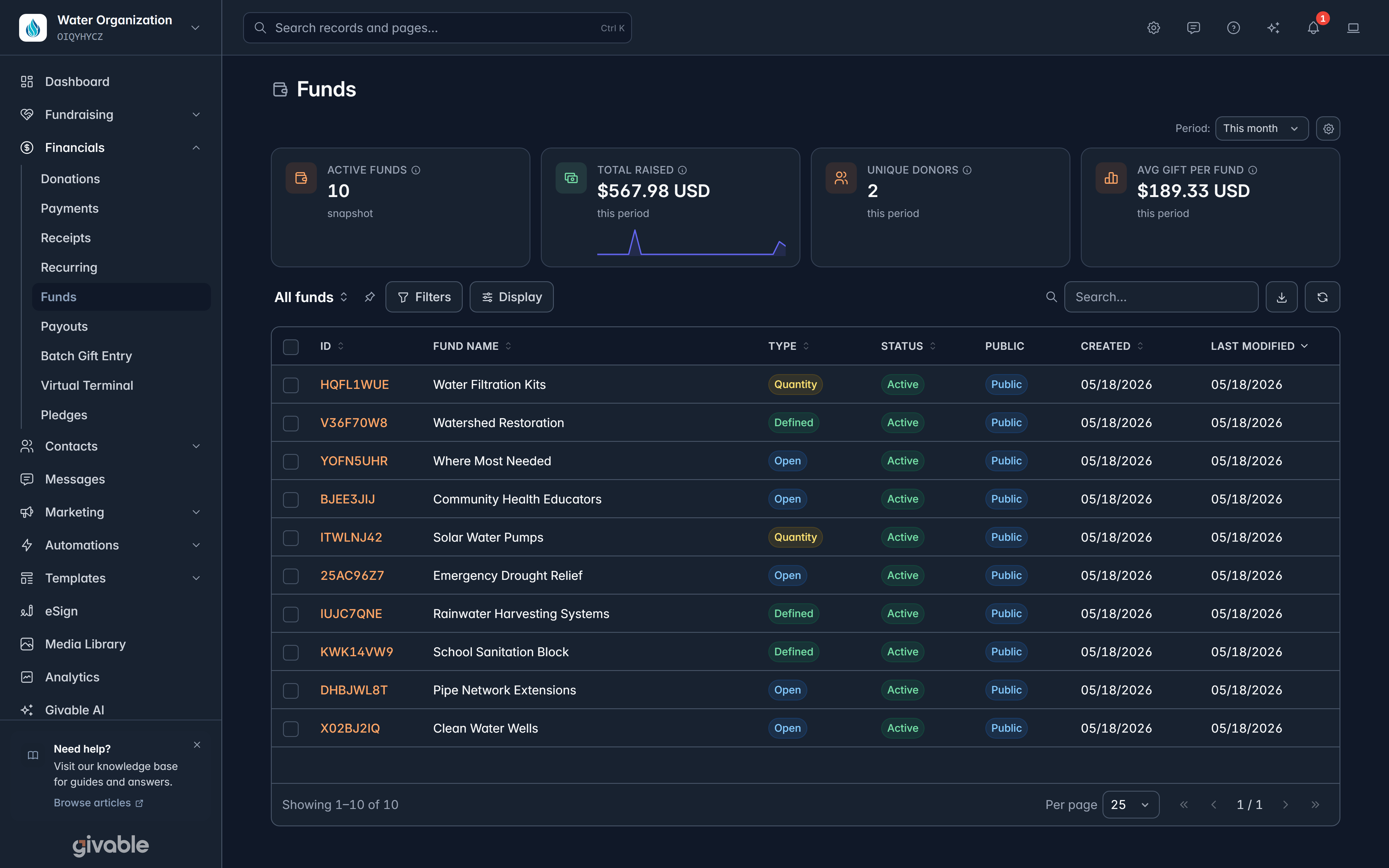
Financials > Funds shows ID, Fund name, Type, Status, Public, Created and Last modified, with Active funds, Total raised, Unique donors and Avg gift per fund across the top for the period you choose.
Three types of fund:
| Type | Use it for |
|---|---|
| Open | Give any amount. The everyday choice. |
| Defined | A set target amount. |
| Quantity | Things counted in units, like ten water filters. |
Public funds can be chosen by donors on your forms. Private funds are for internal use, so you can track something without offering it publicly.
Open a fund
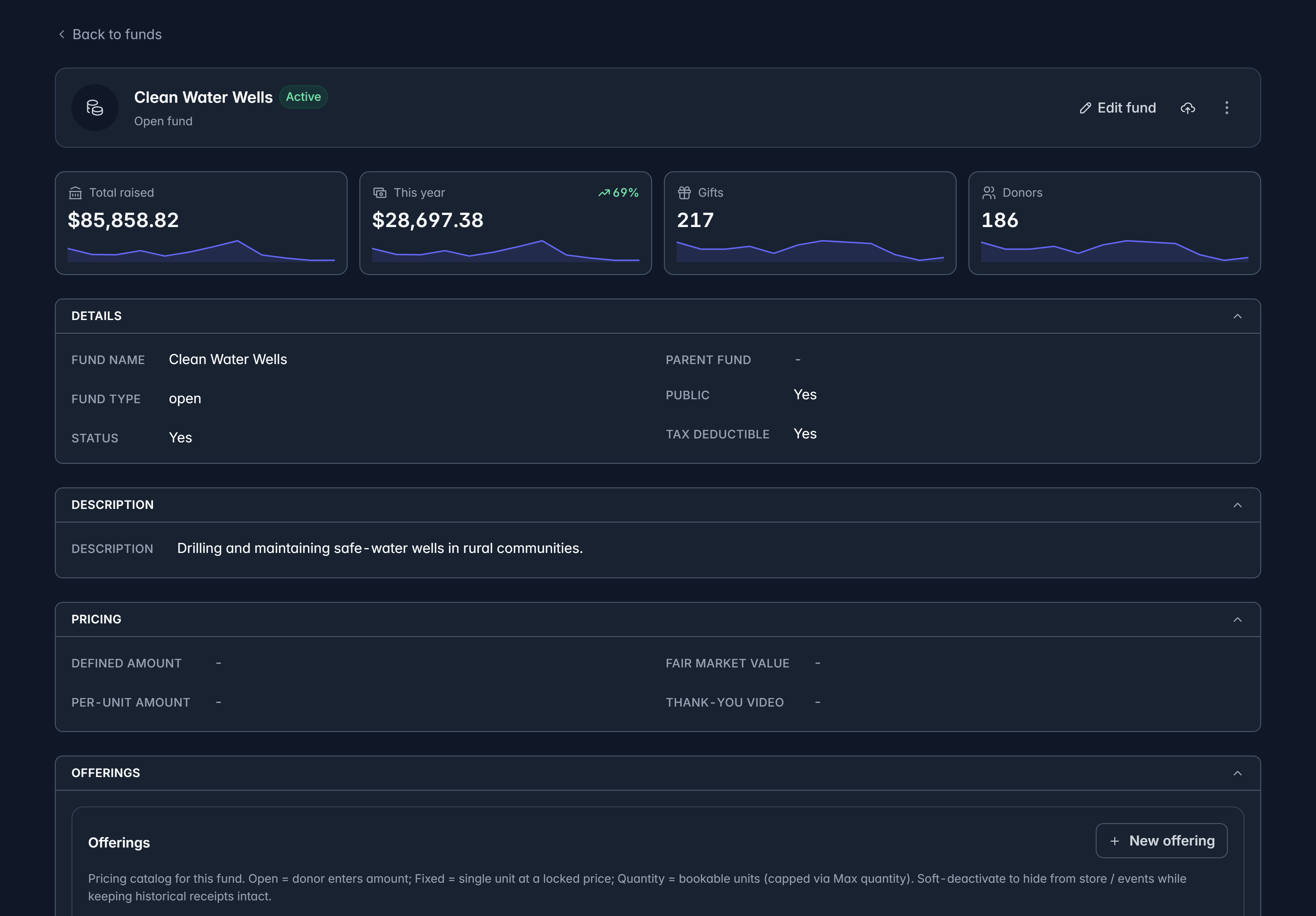
The fund page shows its Details, Description, Pricing, Offerings and Identifiers. Offerings are the specific things a donor can pick within the fund, each with its own price and inventory, which is what makes "three water filters at $40 each" possible.
Select Edit fund to change it.
Archive a fund
A fund you've finished with can be archived from its page, and restored later. Archiving keeps all its history and takes it out of the everyday list, which is the right move for a campaign fund that has run its course.
Funds shared from a parent organization can't be edited or archived here. They're marked From parent, and they change at the parent organization.
Related
Donations
The gifts counted towards your funds.
Key concepts
Funds versus campaigns, and when to use each.
Still stuck?
We're here for you, and no question is too small. Tell us what you were trying to do and what happened, and we'll help you get it sorted.