Broadcasts
Send an email or text to a list, schedule it, and see what it raised.
A broadcast is a one-off send to an audience: an appeal, a newsletter, an event reminder. Marketing > Broadcasts.
Before you start: you need permission to view broadcasts, and permission to send to actually send one. With create but not send, you submit for approval instead, which is a sensible setup for a large team.
Compose one
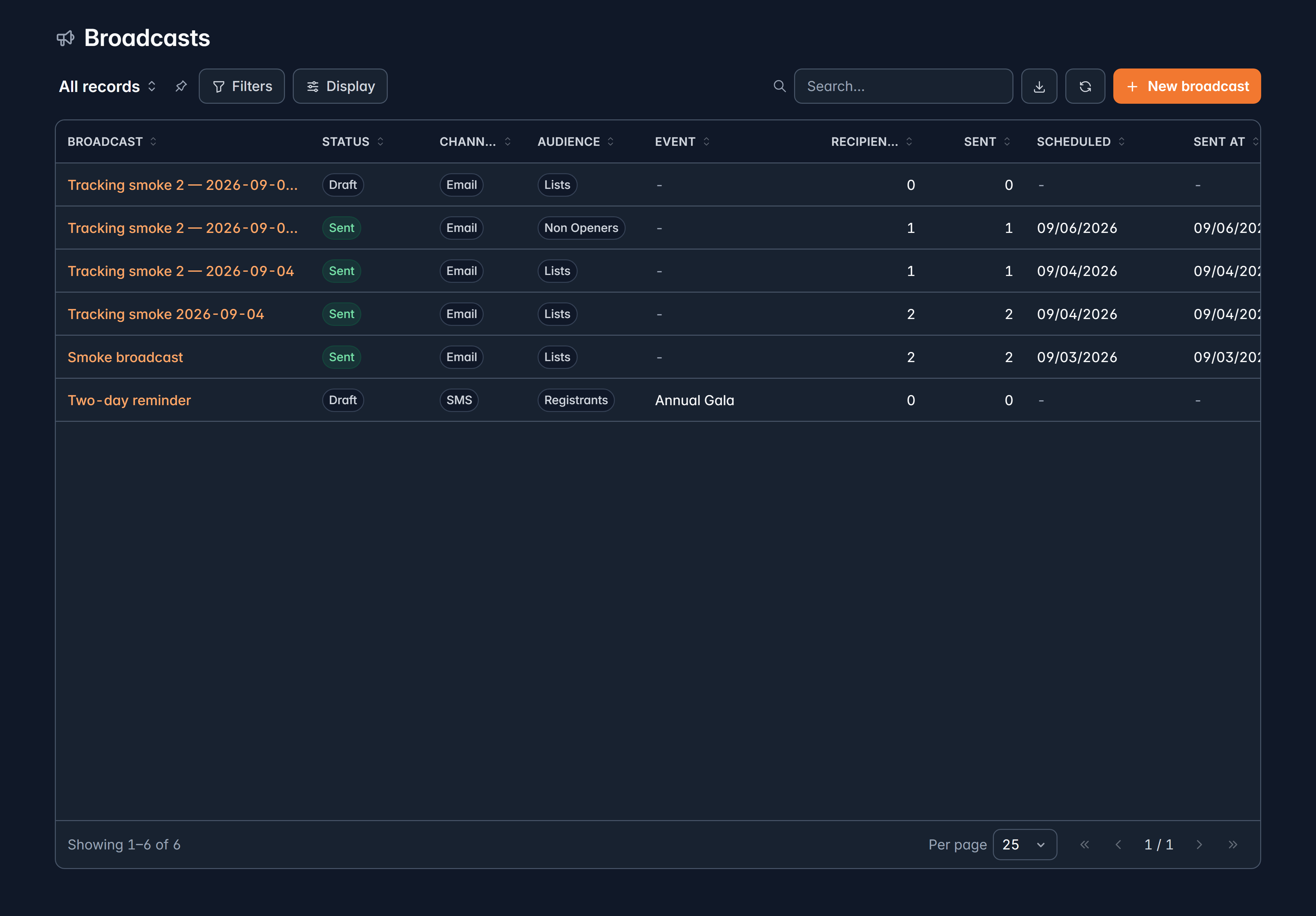
Details
A Name for your team, the channel (email or text message), the Subject, and who it comes From. Sender addresses come from your verified email domains.
Audience
Either Lists (everyone on the lists you pick, minus any you exclude) or Filter (everyone matching criteria, frozen when you send).
A live count shows how many people that is as you change it.
Content
An email template from your library, or plain text with merge fields. Either way an unsubscribe footer is added.
Schedule
Send now, or pick a date and time.
Review, then send
Givable checks the subject, body, sender and audience, and shows anything it finds. Serious problems block sending; the rest are advice.
Don't over-mail people
Two throttles on email broadcasts, both worth using on an appeal:
- Skip anyone emailed in the last N days, counting marketing email only. Receipts and notices don't count.
- Skip anyone who gave in the last N days, so you don't ask a donor for money days after they gave.
Smarter timing
- Delivery timing: all at once in your time, or at the same local time for each recipient, so nobody gets a 3am email.
- Send time: at the time you set, or the best time for each recipient, based on when they usually open.
Follow up with non-openers
Resend to people who don't open sends again, a set number of hours later, only to people who received it and haven't opened it, optionally with a new subject. Anyone who unsubscribes in between is left out.
A resend with a different subject line routinely adds a third again to the opens of an appeal, for no extra writing. Wait at least 48 hours and change the subject, or it reads as a mistake.
Repeat it
For list audiences, a broadcast can repeat daily, weekly or monthly until a date you choose. Each occurrence is a new send to the same audience.
Test it first
Send test email renders it as a sample recipient and sends it to you. Do this every time. It's the only way to catch a merge field that didn't fill in, or a link pointing at your draft.
Approval
Where your roles separate creating from sending, the composer offers Submit for approval. An approver reviews the details and recipients, then approves and sends, or sends it back with a note.
After it goes
The broadcast's page shows progress, then results:
- Run: queued, sent, suppressed, failed.
- Engagement: delivered, opened, clicked, unsubscribed, bounced, complaints.
- Conversions and Raised: gifts made from a link in the email. This is the number that matters.
- Top links: which links people actually clicked.
Open rates are softer than they look, because some mail services pre-load images and register an open nobody made. Clicks, conversions and money raised are the honest measures.
Cancelling
Cancel broadcast stops everything not yet sent. Emails already handed to the mail service will still arrive: once it's gone, it's gone.
Editing a scheduled broadcast returns it to draft, so remember to schedule it again.
Still stuck?
We're here for you, and no question is too small. Tell us what you were trying to do and what happened, and we'll help you get it sorted.