Leads
Track interested people before they give, and see them become supporters.
A lead is someone who has shown interest but hasn't given yet: a newsletter signup, an event enquiry, a half-finished form. When they give, they become a supporter.
Before you start: you need permission to view leads. Adding one also needs permission to edit them.
Add a lead
Unlike supporters and accounts, you can add a lead yourself.
Open Contacts > Leads
Select New lead.
Give at least one way to reach them
An Email or a Mobile phone. Either is enough, and you can give both. A lead with neither can't be saved, since there would be no way to contact them.
Add a name and source
First name, Last name, and where they came from: Manual, Import, Signup or API.
Create lead
They appear in the list straight away.
What the list tells you
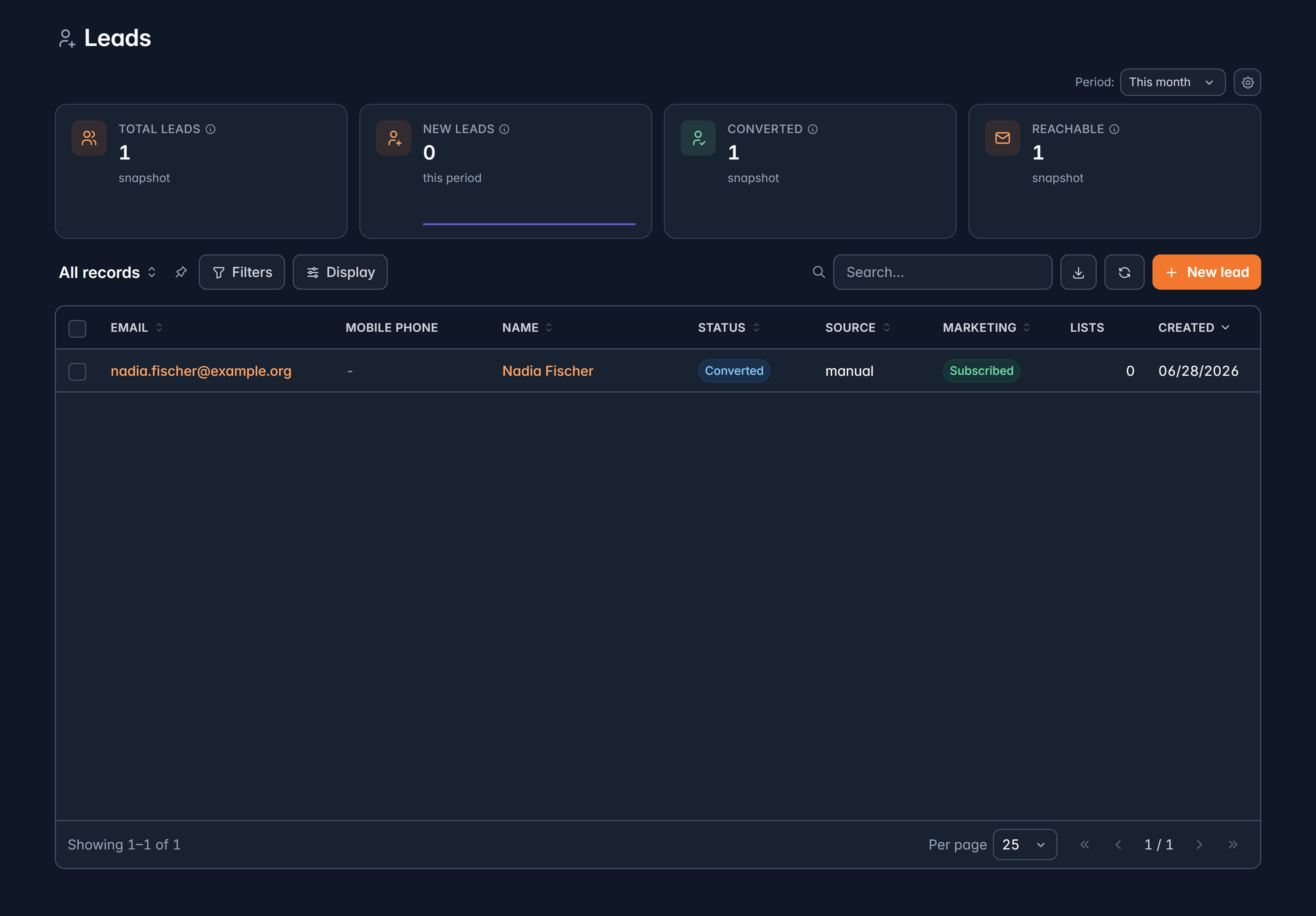
Columns are Email, Mobile phone, Name, Status, Source, Marketing, Lists and Created.
Status is one of:
| Status | Meaning |
|---|---|
| Active | A live lead you can contact |
| Unsubscribed | They've opted out of marketing |
| Bounced | Email to them failed |
| Converted | They gave, and are now a supporter |
Marketing shows Subscribed or Opted out, so you can see at a glance who you may email.
Work with several at once
Tick any number of leads to Send eSign, Add to list or Tag them.
Lists and consent
On a lead's record you'll find:
- Lists: which marketing lists they're on, and a way to remove them. Removing asks you to confirm, because it unsubscribes them from that list.
- Consent history: when they subscribed, unsubscribed or used a one-click unsubscribe, including text messages. This is your evidence of consent, so it's worth knowing where it lives before anyone asks.
When a lead becomes a supporter
As soon as they give, the lead is marked Converted and linked to their new supporter record.
A converted lead is locked. You can't edit it or add it to lists any more, because the supporter record is now the live one. Make your changes there instead.
Related
Still stuck?
We're here for you, and no question is too small. Tell us what you were trying to do and what happened, and we'll help you get it sorted.